

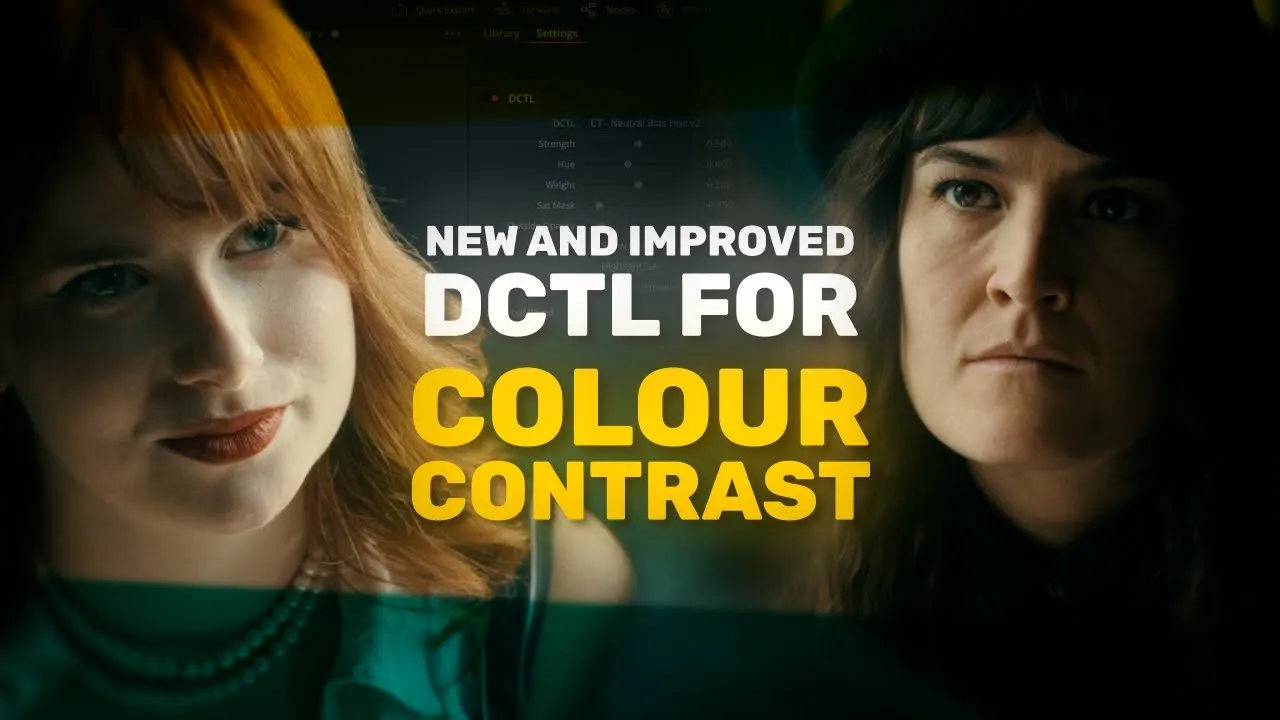
Neutral Bias
Linear Balance with a Masking Curve
£35.00
Current version
2
TYPE
Colour Grading & Look Development
dESCRIPTION
Neutral Bias is a versatile tool that lets you balance your image and selectively apply effects based on saturation. Inject bold colour into specific areas while preserving original tones elsewhere to create strong contrast and stylised looks, perfect for high-impact grades like teal and orange.
See The Highlights
Neutral Bias gives you precise control over colour separation, with visual tools that make it easy to see exactly where and how your adjustments are being applied.
Colour Contrast
Colour Contrast sits at the heart of Neutral Bias — a tool that lets you rebalance an area of the image, such as the neutrals, to maximise separation and visual interest within the frame.
Multiple Overlays
Colour tools can often feel abstract without visual aids — which is why Neutral Bias includes multiple overlays, including adjustment and masking curves, as well as a matte preview, showing you exactly which parts of the image you're modifying.
Watch the full breakdown
Explore every feature, the latest updates, and real-world examples in action.
Questions & Answers
What is the purpose of Neutral Bias?
Neutral Bias is a smooth and simple tool for creating colour contrast by selectively tinting the image based on saturation.
What colour space / transfer curve is Neutral Bias designed for?
Neutral Bias can work in DaVinci Intermediate / DaVinci Wide Gamut, Arri Log C3 / Arri Wide Gamut 3, and ACEScct / AP1.
Where does Neutral Bias fit into my node tree?
Neutral Bias is flexible enough for both shot-level grading and project-wide looks. I generally recommend using it at the scene or sub-look level to creatively shape the aesthetic of individual sequences.


