


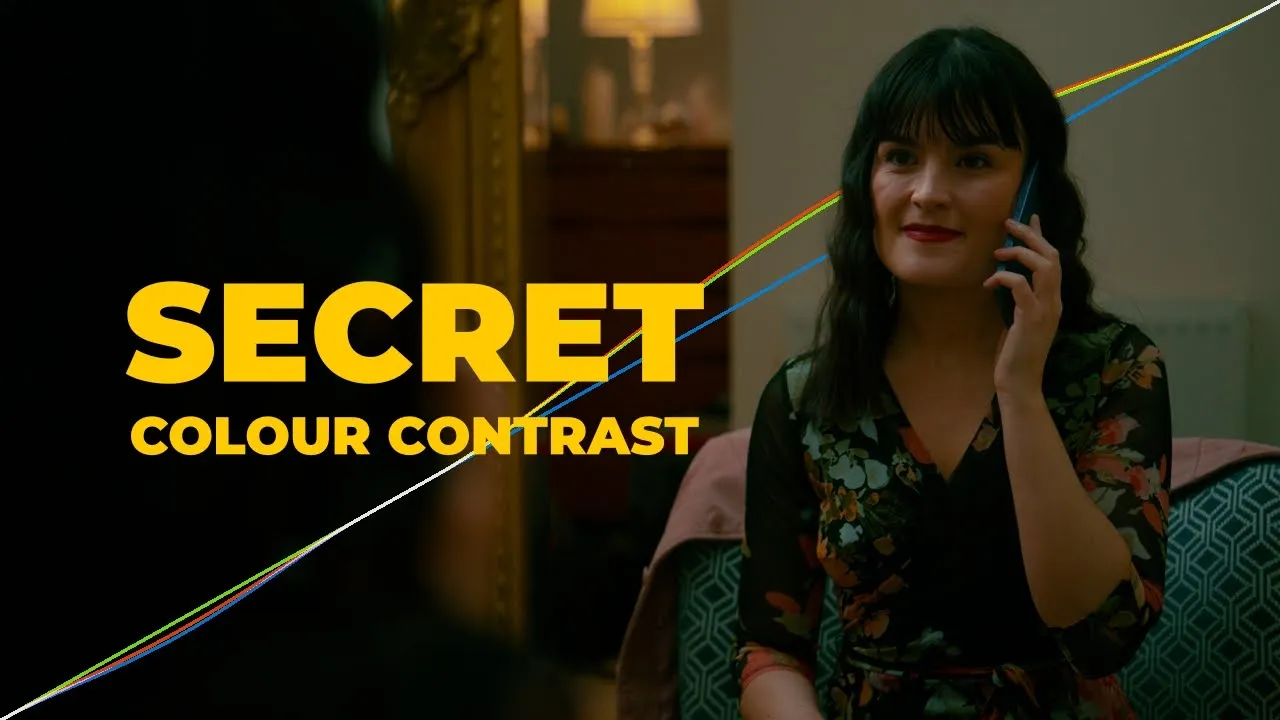
Split
Shape with Colour Contrast
£30.00
Current version
2
TYPE
Look Development
dESCRIPTION
Split is a project-level colour tool that lets you independently control highlights and shadows with precision and ease. Each range is fully unlinked and comes with six intuitive controls — strength, hue, weight, pivot, zip, and fork — giving you complete creative freedom. A global bi-directional saturation mask allows you to limit the effect based on colour, while smart handling under the hood keeps your adjustments smooth and consistent. Designed for flexibility and clarity, Split makes it easy to craft the perfect highlight-shadow balance for bold, polished looks.
See The Highlights
Split gives you independent control over highlight and shadow colour, with intuitive controls and saturation masking to create anything from subtle colour separation to bold, expressive looks.
Independent Highlights and Shadows
Unlike traditional split-toning tools that often link highlight and shadow colour or strength, Split keeps them completely independent. This gives you the freedom to create unique combinations and define the relationship between your highlights and shadows.
Hue-Based Controls
While Split modifies the relationships in RGB under the hood, this is often unintuitive to work with directly. The tool instead uses hue-based controls, letting you select your target colour directly, then adjust the strength of that hue push and the weight of that adjustment with separate sliders.
Saturation Masking
Split toning can be a strong adjustment that reveals the hand of the colourist — modifying the image in a way that can feel manufactured. Saturation masking is included to work the colour contrast into the image more subtly, so the effect reads as natural rather than applied — concealing the colourist's hand while still enabling strong colour contrast.
Watch the full breakdown
Explore every feature, the latest updates, and real-world examples in action.
Questions & Answers
What is the purpose of Split?
Split parameterises highlight and shadow control through RGB curves with hue-based UI controls, offering intuitive control for creating smooth colour contrast combinations across the tonal range.
What colour space / transfer curve is Split designed for?
MultiGrade can work in DaVinci Intermediate / DaVinci Wide Gamut, Arri Log C3 / Arri Wide Gamut 3, and ACEScct / AP1.
Where does Split fit into my node tree?
Split is best applied at the scene or project level to shape the overall look, while still in scene-referred space before any conversion to display-referred space. Its placement among other scene- or look-based tools is flexible and ultimately a creative choice.


