

WindowGrade
5 Nodes in One
£20.00
Current version
1
TYPE
Colour Grading
dESCRIPTION
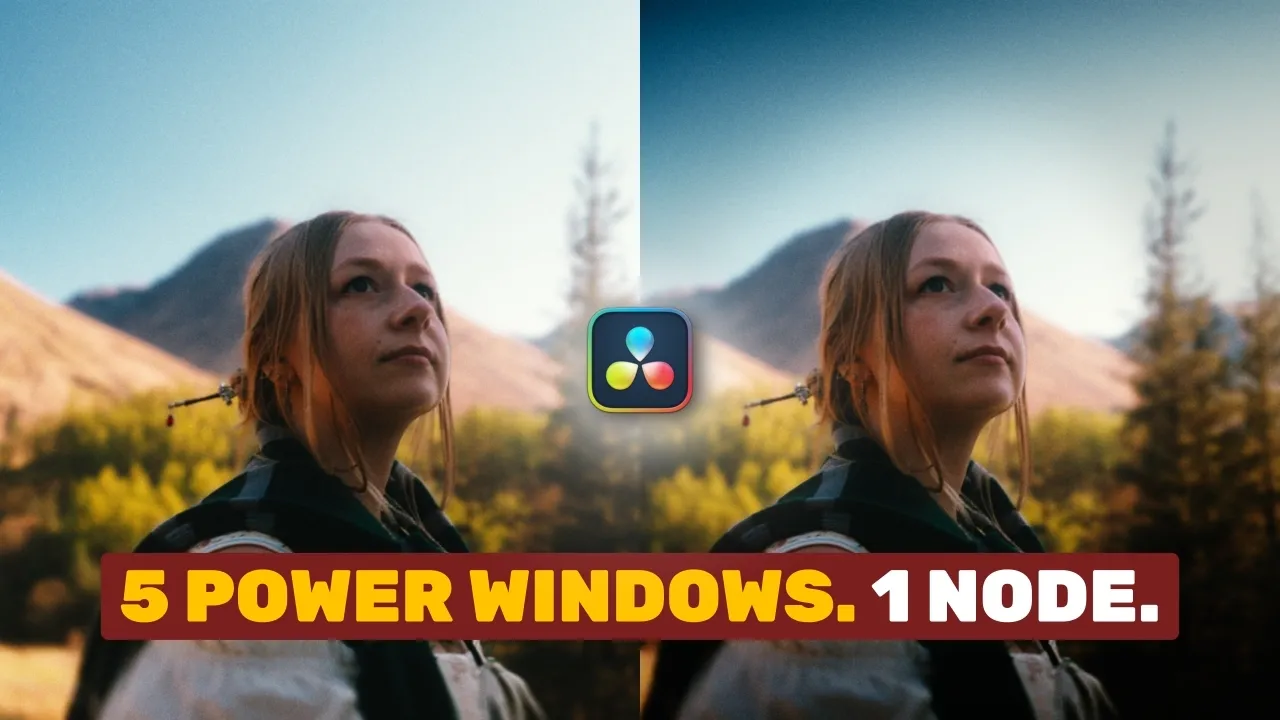
WindowGrade is a flexible tool for creating spatial contrast — letting you shape exposure across multiple regions within a single node. Build a customisable ellipse or quickly adjust the top, bottom, left, and right areas of your image, giving you precise control to emphasise your subject and add dynamic shape with speed and efficiency.
See The Highlights
WindowGrade gives you fast, precise control over spatial contrast, combining multiple window shapes with clear visual guides to help you shape the image exactly where you want.
Stack Multiple Windows
Vignettes are powerful tools when stacked together in a chain, but doing this natively in Resolve comes with a messier node tree and slower workflow. WindowGrade combines five windows in one tool — one fully customisable, plus presets for top, bottom, left, and right — allowing you to shape images in various ways, at speed.
Intuitive Guides
Intuitive Guides on screen assist by showing the exact areas of the image affected by the windows — so you can see clearly where the effect begins, ends, and where the transition between the two occurs.
Watch the full breakdown
Explore every feature, the latest updates, and real-world examples in action.
Questions & Answers
What is the purpose of WindowGrade?
WindowGrade simplifies the creation of multiple windows and vignettes, condensing what would typically require five native window nodes into a single intuitive tool.
What colour space / transfer curve is WindowGrade designed for?
MultiGrade can work in DaVinci Intermediate / DaVinci Wide Gamut, Arri Log C3 / Arri Wide Gamut 3, and ACEScct / AP1.
Where does WindowGrade fit into my node tree?
WindowGrade works best toward the end of the shot-level grading process, once foundational adjustments such as Exposure, Temperature, and Tint have already been established.


