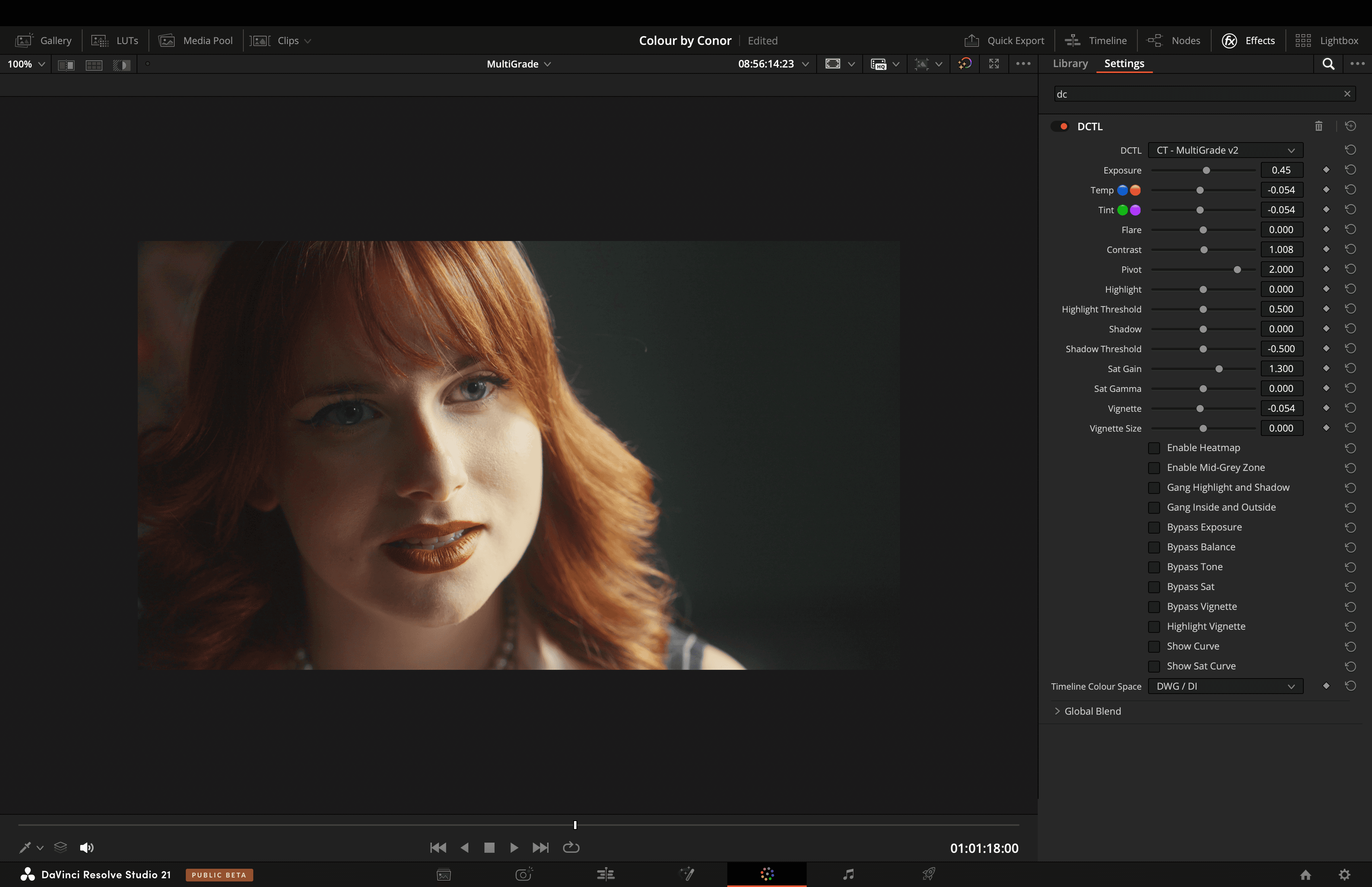

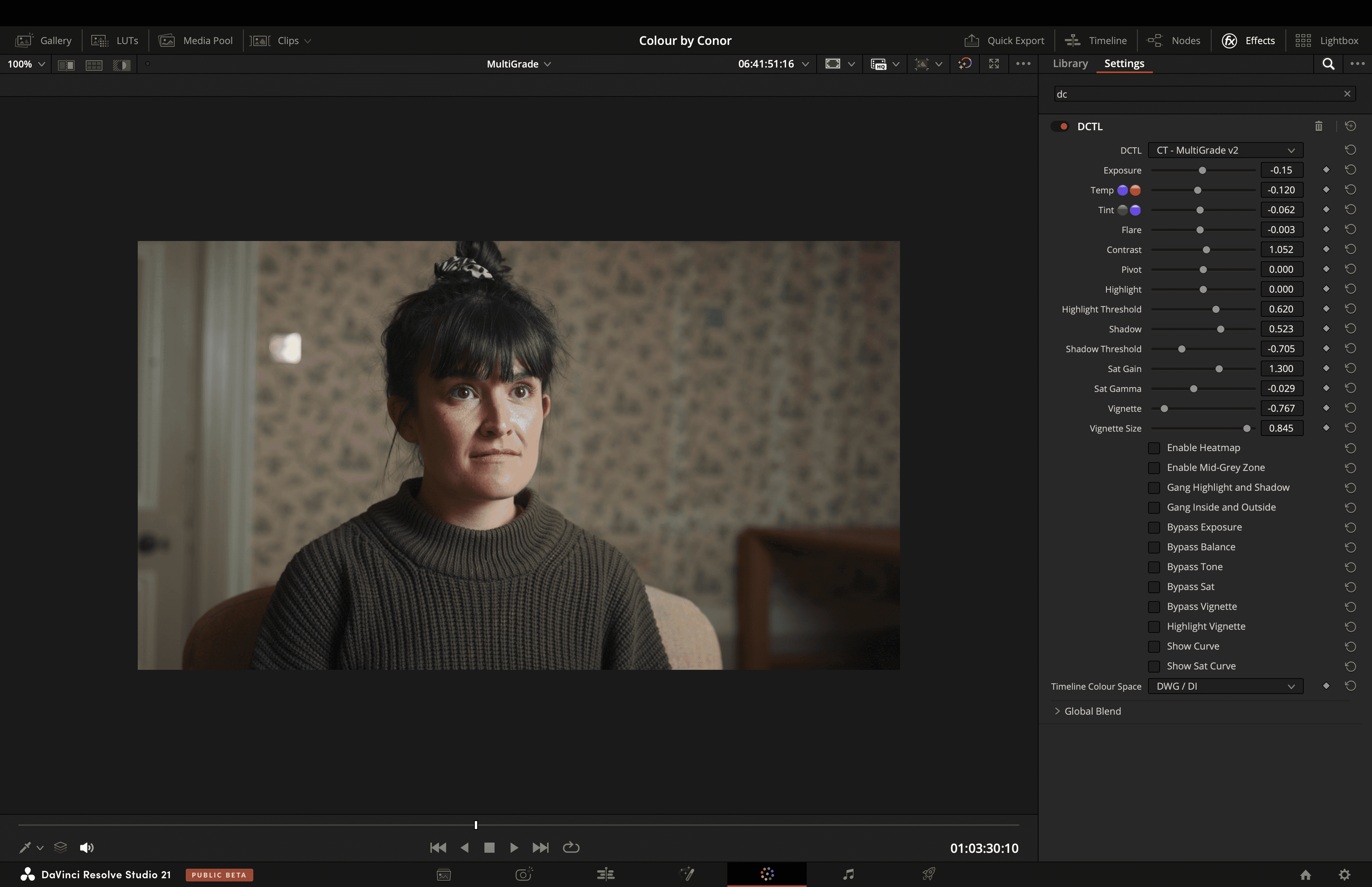

MultiGrade
Multiple Operations in One Place
£10.00
Current version
2
TYPE
Colour Grading
dESCRIPTION
MultiGrade is a fast, reliable primary grading tool that puts essential controls — Exposure, Temp, Tint, Flare, Contrast, Shadows, Highlights, and Saturation — all in one intuitive node. Its smooth underlying curves and saturation adaptation lets you shape colour and tone with precision, whether you’re setting exposure, boosting colourfulness, or creating subtle contrast. Designed for speed and predictability, MultiGrade helps you get professional results without overcomplicating your workflow.
See The Highlights
MultiGrade brings essential grading controls together in one place, with the underlying tools designed to give you precise, predictable results.
Linear Operations
Linear Operations gives you precise control over image adjustments by performing calculations in a linear domain, preserving accurate relationships to the original scene brightness. This ensures transformations such as exposure and flare behave physically correct.
Contrast and Saturation
Contrast and Saturation are two essential controls for shaping the character of an image, adjusting tonal and colour separation.
Vignette
The vignette offers a localised exposure adjustment to increase spatial contrast within the frame — drawing focus towards a specific area to add shape and dimension.
Watch the full breakdown
Explore every feature, the latest updates, and real-world examples in action.
Questions & Answers
What is the purpose of MultiGrade?
MultiGrade combines several useful colour grading operations—such as Exposure, Contrast, Saturation, and Vignetting into a single user interface to simplify and speed up grading workflows.
What colour space / transfer curve is MultiGrade designed for?
MultiGrade can work in DaVinci Intermediate / DaVinci Wide Gamut, Arri Log C3 / Arri Wide Gamut 3, and ACEScct / AP1.
Where does this tool fit into my node tree?
MultiGrade works best early in the node tree, generally in the node directly after the IDT to ensure accurate behaviour for the linear operations such as Exposure, Temp, and Tint.


