


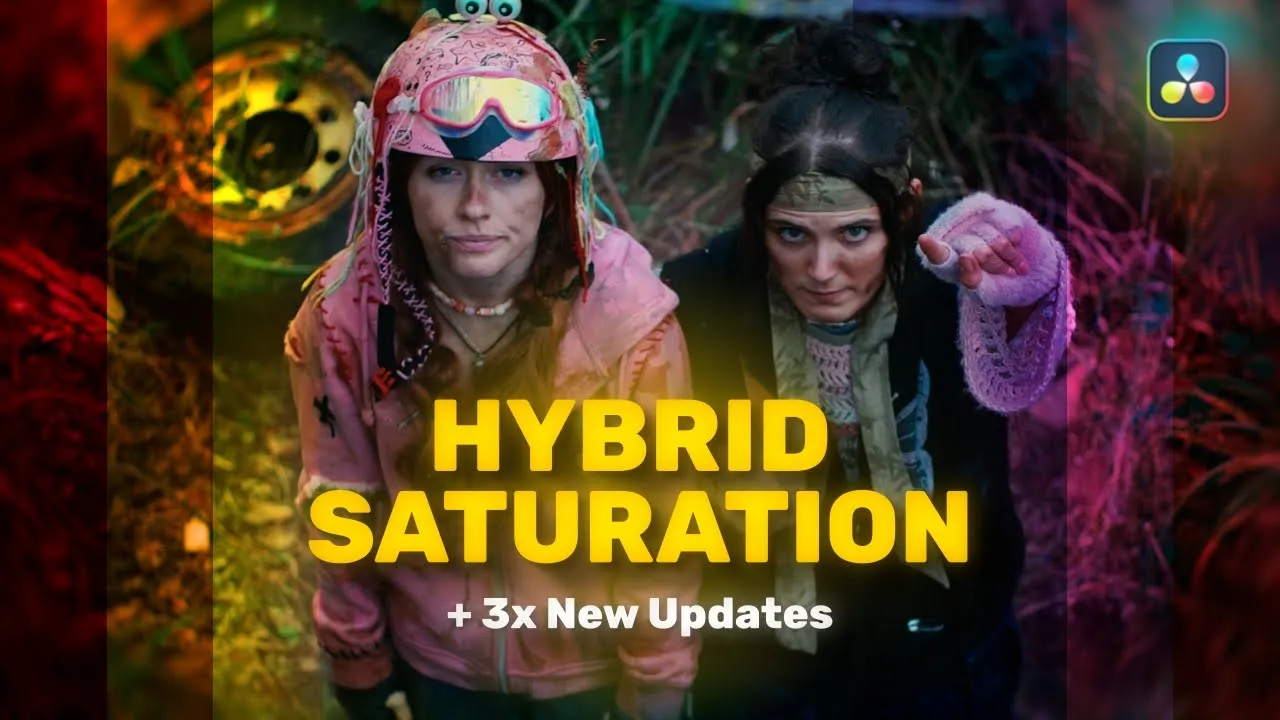
Saturation
Saturation Built for Colour Contrast
£25.00
Current version
2
TYPE
Look Development
dESCRIPTION
Saturation lets you shape saturation as a curve via a unique hybrid method that subtractively saturates primary colours, whilst additively saturating secondary colours — creating a more vibrant, and dynamic colour palette. This tool shines when crafting a wide variety of looks — the Sat Mixer control lets you shift between fully subtractive, hybrid, or fully additive saturation. Masking and limiting controls provide precise, smooth adjustments based on hue, saturation, and luminance, giving you granular control over bold, colour-contrast-driven looks.
See The Highlights
Saturation gives you more than a simple strength control — it gives you the tools to shape colour and tonal contrast with precision.
Hybrid Saturation
Hybrid Saturation is a unique method focused on maximising image contrast. While many saturation tools are either globally additive or subtractive, this method achieves both simultaneously — subtractive for RGB and additive for CMY — stretching tonal separation as saturation is modified.
Saturation Curve
Saturation is often treated as a simple strength slider — but its true power lies in shaping it as a curve, letting you control saturation across the full range, from low-saturation tones through to vibrant, high-saturation colours.
Masking
Masking gives you a finer level of control to sculpt the saturation effect across the image, smoothly erasing it from specific areas based on hue and luminance.
Watch the full breakdown
Explore every feature, the latest updates, and real-world examples in action.
Questions & Answers
What is the purpose of Saturation?
Saturation is a curve-based tool for amplifying the vibrancy of images with a unique underlying method for increasing colour contrast.
What colour space / transfer curve is Saturation designed for?
Saturation is not colour space aware and can therefore be used in any colour spaces, though results will vary based on the colour space used.
Where does Saturation fit into my node tree?
Saturation is best applied at the scene or project level to shape the overall look, while still in scene-referred space before any conversion to display-referred space. Its placement among other scene- or look-based tools is flexible and ultimately a creative choice.


